The Pomodoro Technique is simultaneously the best-known and most poorly-applied productivity method. Originally a tomato-shaped kitchen timer (pomodoro is Italian for tomato) that Francesco Cirillo used in the 1980s, it went global for a simple reason: it respects the human brain's natural attention rhythm.
The classic cycle
- Pick one task.
- Set a 25-minute timer.
- Work without interruption until it rings.
- Take a 5-minute break.
- Every 4 pomodoros, take a long break of 15 to 30 minutes.
Proven variations
Neuroscience research on ultradian cycles suggests different people have different sustained-attention windows. Popular variations:
- 15/3 — short, creative, fast tasks
- 25/5 — classic, recommended to start
- 50/10 — for deeper immersion
- 90/20 — full ultradian cycle, ideal for deep work
When Pomodoro isn't the right pick
- Work that needs continuous flow for hours (advanced creative writing, dense code review, immersive design) — interrupting every 25 min breaks flow.
- Long meetings or sales calls with fixed timing.
- Tasks dependent on external processes (builds, rendering, waiting for someone's reply).
In those cases, Time Blocking or Deep Work serve better.
How to apply Pomodoro inside Vulcan Organizer
- Day view with 10-minute sub-slots — click the hour label to expand the 6 sub-slots; place pomodoros with minute precision.
- 25-min events — create an event
Pomodoro: <task>with audio reminder 5 min before the end. - Recurrence — if you do 8 pomodoros a day, set daily recurrence with a break between events.
- 🍅 Stamp — apply a custom stamp (available on the Pro+AI plan) for visual identification.
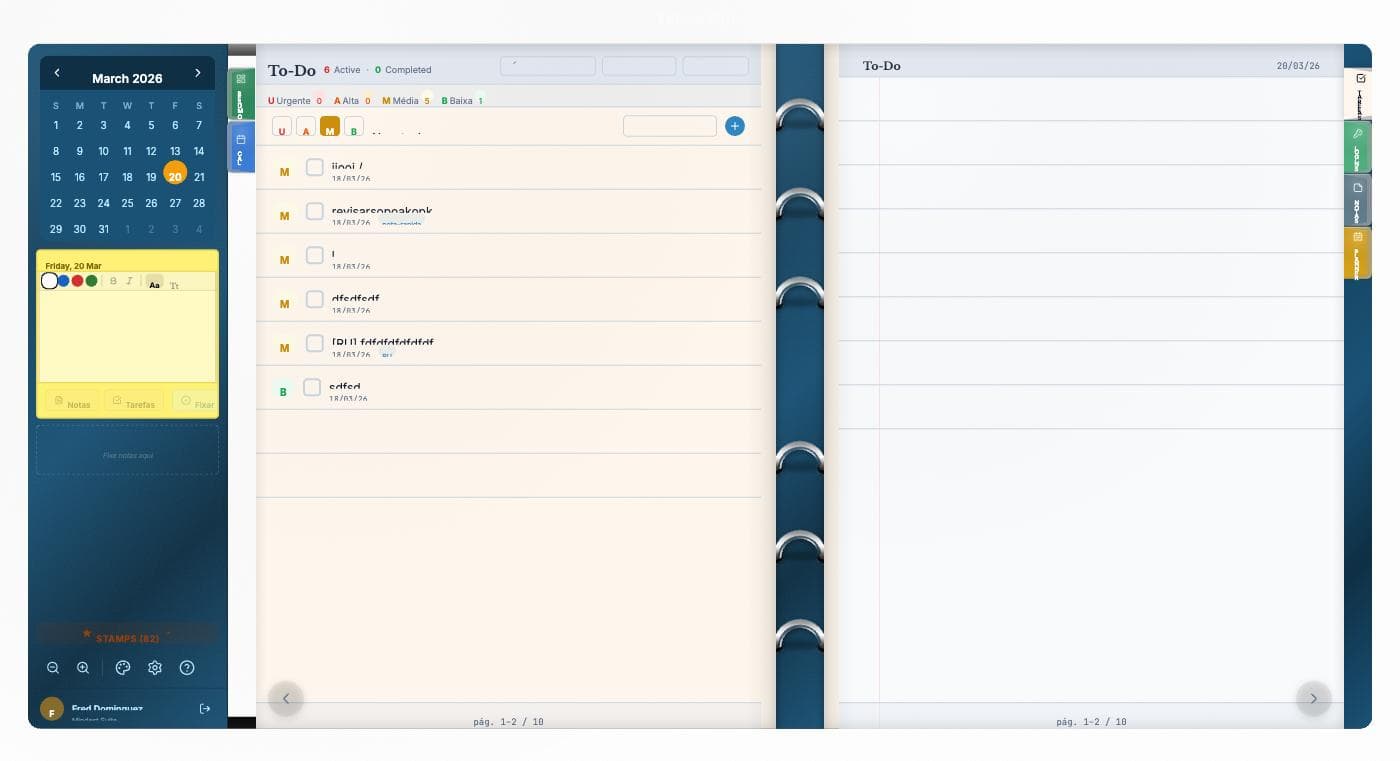
- History — the Completed view shows how many pomodoros you finished per day/week — an honest execution metric.
Common mistakes
- Cheating the break — the break is part of the method. Skipping it zeroes the cycle's benefit.
- Stacking pomodoros without context — Pomodoro works best on a prioritized list (use the Eisenhower Matrix or MIT first).
- Treating it as a quantity goal — 10 pomodoros isn't a win if they were on the wrong tasks.
Combinations
Pomodoro executes, it doesn't prioritize. The combination that works:
- GTD → captures and clarifies
- Eisenhower → prioritizes
- Pomodoro → executes
Next steps
Create a Vulcan Organizer account, open the Day view, expand one hour, and set up 4 pomodoros for tomorrow morning. Come back at the end of the day to see how many you completed.