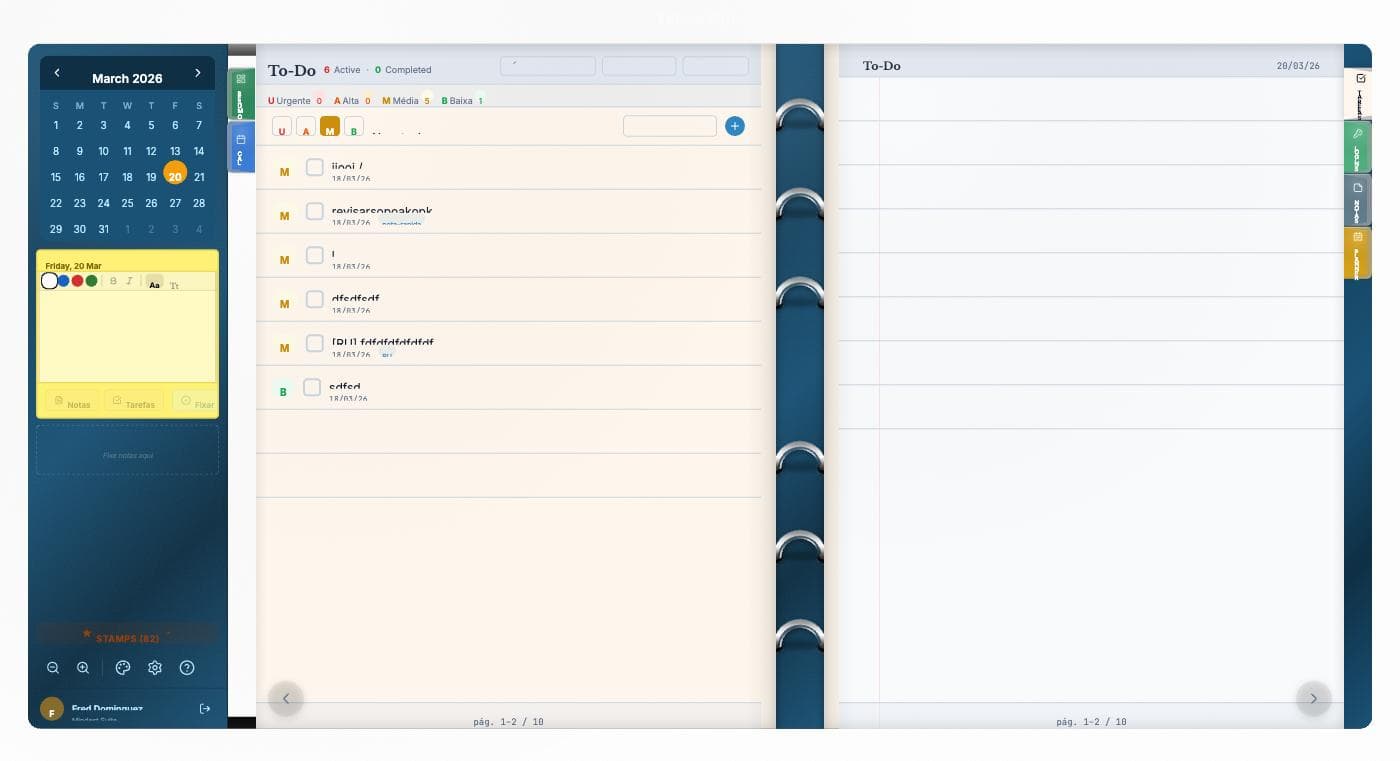
The Eisenhower Matrix splits any task list into four quadrants by crossing two axes: urgency and importance. Attributed to General and 34th U.S. President Dwight D. Eisenhower, it's the simplest mental ruler to recover focus when the inbox blows up.
The 4 quadrants
Q1 — Urgent and Important: Do
Crises, immediate deadlines, critical issues. Needs immediate attention. A symptom of overload here: you're always fighting fires and never preventing them.
Q2 — Important, not urgent: Schedule
Planning, learning, exercise, relationships. This is where the long-term lever lives. Everything in Q2 is what stops Q1 from blowing up tomorrow.
Q3 — Urgent, not important: Delegate
Interruptions, some meetings, some emails. They look important because they're urgent, but they don't move your goals. Delegate when possible.
Q4 — Neither urgent nor important: Eliminate
Social media scroll, useless meetings, distractions. Cutting hurts less than you think.
How to apply Eisenhower inside Vulcan Organizer
- Task priority 1-4 maps directly to the quadrants:
- Priority 1 = Q1 (red, urgent+important)
- Priority 2 = Q2 (orange, important)
- Priority 3 = Q3 (yellow, urgent)
- Priority 4 = Q4 (grey, disposable)
- Filter shortcuts
1/2/3/4in Tasks view show one quadrant at a time. - Custom color per category visually reinforces the quadrant on the calendar.
- Stamps ⚠️ (Q1), 🎯 (Q2), 📞 (Q3), 🗑 (Q4) identify the quadrant in any view.
- Time Blocking for Q2 items — schedule blocks protected by focus windows for what matters but isn't urgent.
Common mistakes
- Confusing someone else's urgency with your priority. An urgent ask from another person is Q3, not Q1.
- Ignoring Q2. If you never plan, learn or take care of your health, you'll live in Q1 forever.
- Not revisiting quadrants. A task may shift from Q2 to Q1 as the deadline approaches. The weekly review keeps it honest.
Combinations
Eisenhower is a prioritization ruler. To close the loop:
- GTD → capture and clarify
- Eisenhower → prioritize
- Pomodoro or Time Blocking → execute
Next steps
Open the Tasks view in Vulcan Organizer now. Take the next 20 items and assign priority 1-4 to each. In 5 minutes you'll have clarity on where you're losing time.